
Text expansion vs keyboard shortcuts: what's the difference?
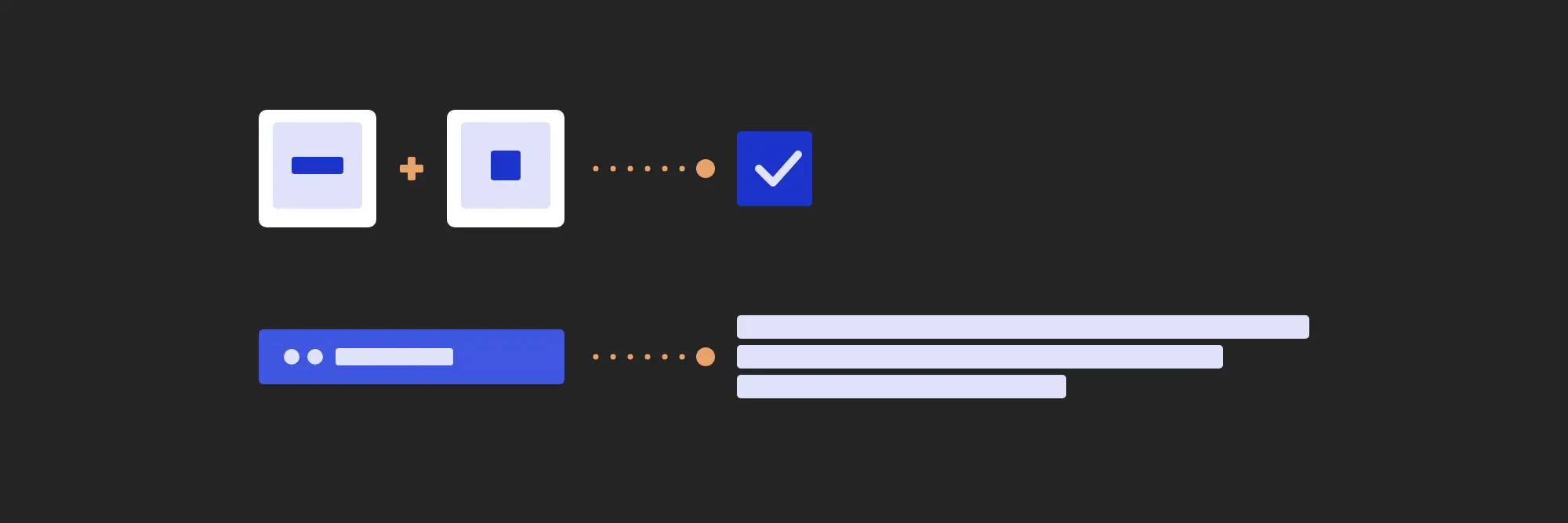
Both save keystrokes, so they are easy to mix up. One tells an app what to do. The other writes for you.
What a keyboard shortcut does
A keyboard shortcut is a key combination that runs a command. Ctrl+C copies, Ctrl+S saves, Ctrl+Shift+T reopens a closed tab. You hold a modifier, press a key, and the app does something.
Shortcuts are fast because they skip the menu. They are also mostly local. Each app defines its own, the same combination can mean different things in two apps, and a shortcut you set up in one tool does nothing in the next.
What text expansion does
Text expansion replaces a short word with longer text. You type a trigger such as ..addr and it turns into your full address. Type ..thanks and a whole closing paragraph appears.
Nothing is pressed together, and nothing is run. You type a few ordinary characters and the result is text, in whatever app you were typing in: an email, a chat window, a form, a code editor. For a longer introduction, see what text expansion is.
Side by side
| Keyboard shortcut | Text expansion | |
|---|---|---|
| What you press | A modifier and a key, together | A short word, typed normally |
| What happens | The app runs a command | The word is replaced with text |
| Where it works | Mostly in the app that defines it | In any app you can type in |
| How many you can have | A few dozen free combinations | As many as you can name |
| How you remember it | By habit, or a cheat sheet | By the word itself |
| Best for | Actions you repeat | Words you repeat |
Why not a shortcut for every snippet?
Some tools let you bind text to a key combination, and for two or three snippets that works. Past that, it runs into limits a typed trigger never meets.
- There are only so many combinations, and most are already taken by your browser, your editor and the system.
- A combination says nothing about what it does. Ctrl+Alt+7 could be anything.
..refundcan only be one thing. - Chords with three keys are awkward to press mid-sentence. A trigger is typed with the same hands, at the same speed, as the words around it.
A library of fifty replies needs fifty names, not fifty chords. That is what a trigger is: a name you can type. Our guide to choosing snippet triggers covers how to pick names you will remember.
Where the two work together
You don’t have to choose. Keep the shortcuts you already know for copying, saving and switching tabs, and use text expansion for everything you type more than once. JAST also combines the two in a couple of places.
One shortcut to find any snippet
Call JAST is a single global shortcut. Press it in any app, type a word from the snippet you want, and it inserts it. That covers the snippets you use too rarely to remember a trigger for. See the Call JAST docs.
Macros that press shortcuts for you
A macro is triggered by typing, the same way as a snippet, but it runs a sequence of steps. One step can insert text and the next can press a key combination, such as Enter to send or Ctrl+Shift+V to paste without formatting. One trigger, several actions, in the right order every time.
Where to start
Look at what you typed today. If you pressed the same command over and over, learn its shortcut. If you typed the same sentence more than twice, save it as a snippet. Our 25 text expansion examples are a good first batch.
Common questions
- Is a text expander a keyboard shortcut?
- Not quite. A keyboard shortcut is a key combination that runs a command. A text expander watches for a short word you type and replaces it with longer text. Both save keystrokes, but one acts and the other writes.
- Can I assign a keyboard shortcut to a snippet instead?
- Some tools allow it, but it does not scale. There are only so many free key combinations, most are already taken by the apps you use, and a combination says nothing about the text behind it. A typed trigger like ..addr does.
- Will text expansion triggers clash with my app's shortcuts?
- No. A trigger is ordinary typing, so it never competes with Ctrl or Cmd combinations. Starting every trigger with a prefix such as two dots also keeps it from matching words you type for real.
- Can text expansion press shortcuts for me?
- In JAST, yes. A macro is triggered the same way as a snippet, and its Press Key action sends a chord such as Ctrl+Shift+V, so one trigger can type text and run shortcuts in the same sequence.
Try JAST
Windows and macOS, one license for two devices, and nothing you type ever leaves the machine.