
Clipboard
Keep the things you copied instead of losing them to the next copy. Search text and image history from a global window, then paste the item back. The default clipboard for Windows and Mac overrides the last copied item with the new one. So if you're filling out a form and the data you need is on another tab, that's a lot of back and forth. Instead, copy each item individually then paste using JAST.
The default hotkey for Clipboard is Alt + Shift + C (Win) or Opt + Shift + C (Mac).
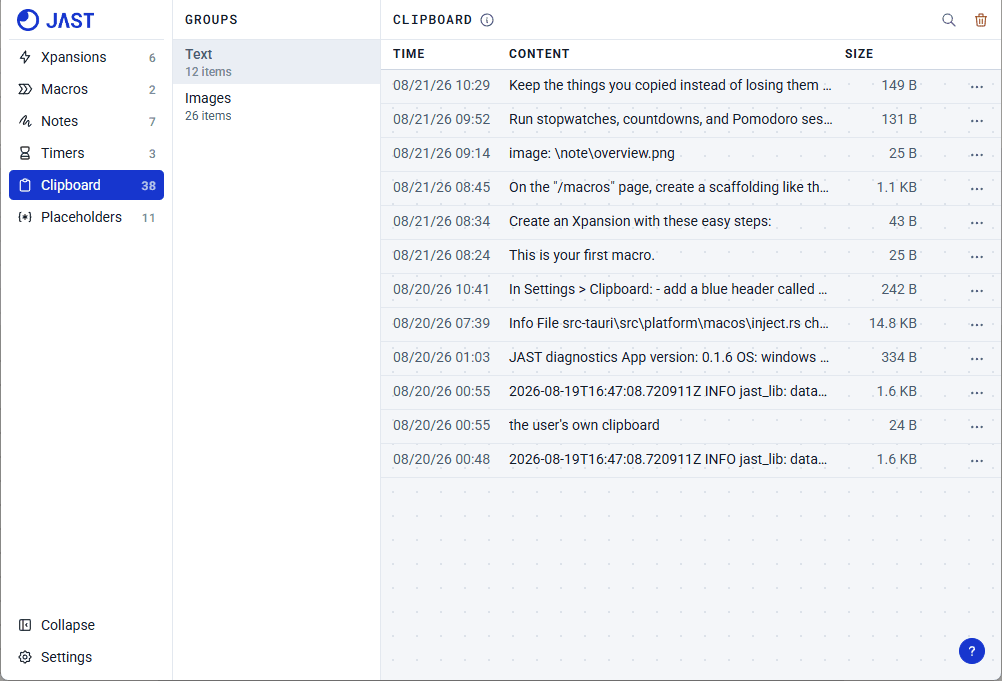
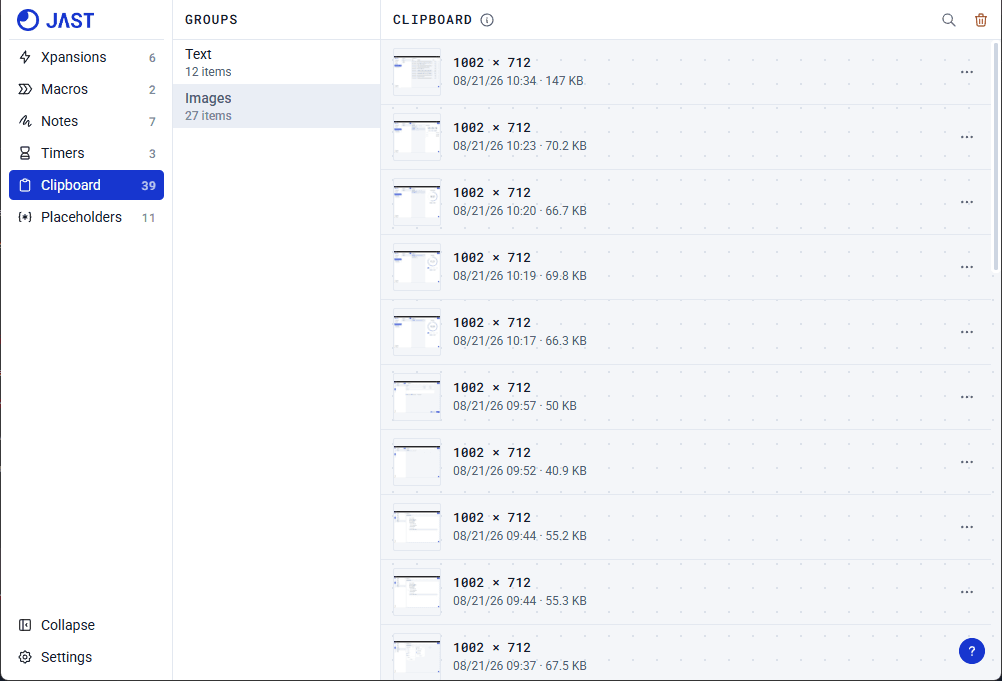
You can also turn a copied text into a snippet. Click the ellipsis on the row you'd like to turn into a snippet, then select "Snippet".
Your question was not covered? Contact us