
Notes
Notes are a good way to quickly jot ideas, track task progress, or cross off items on a checklist.
There are different types of notes:
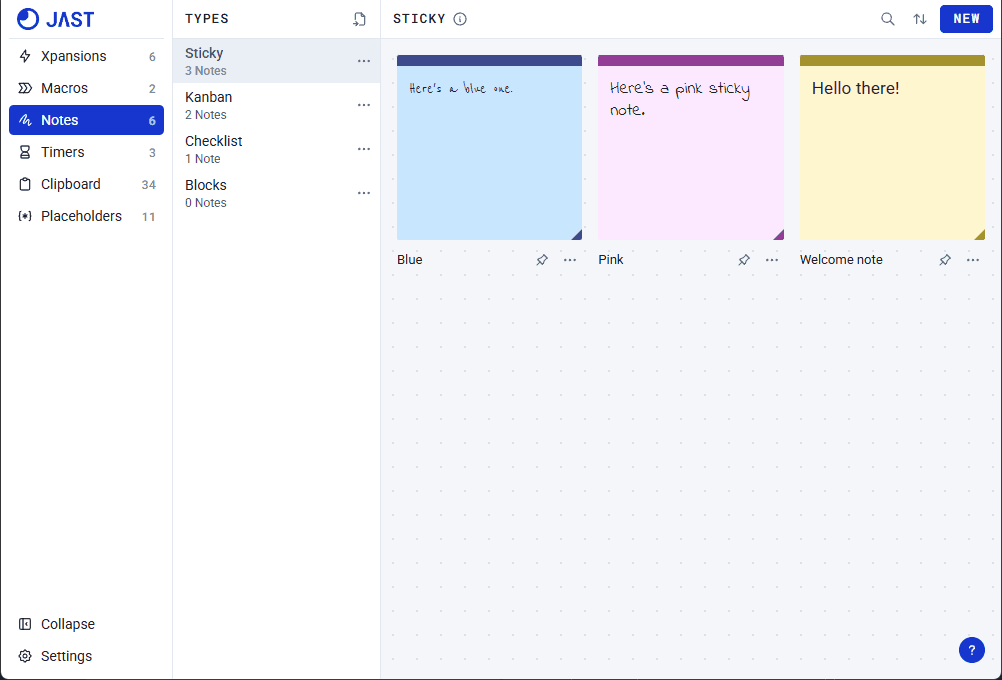
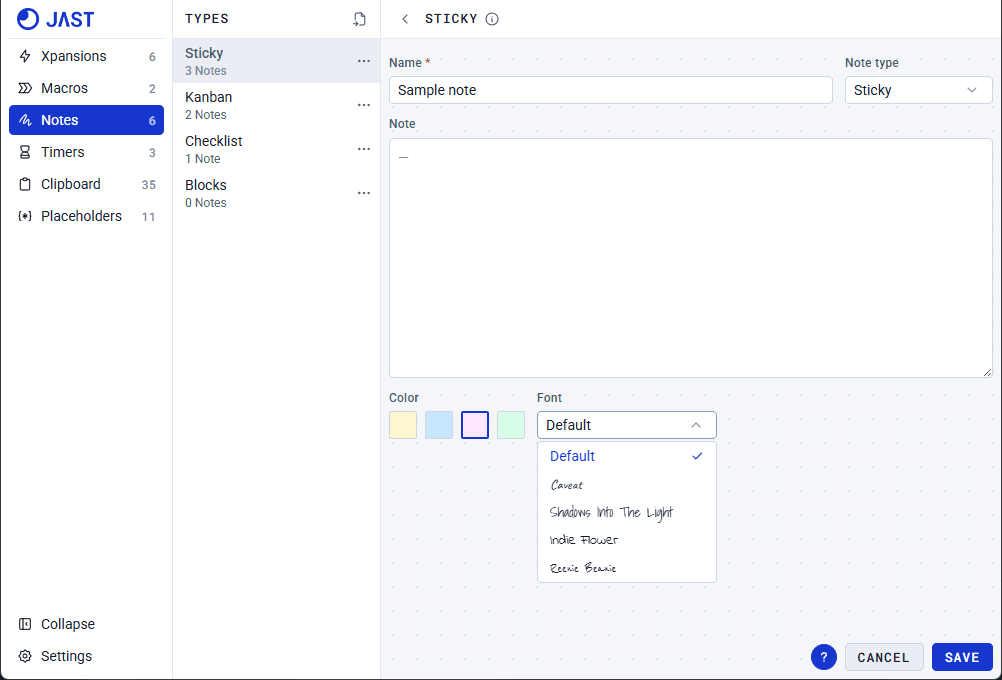
Sticky
Quickly write down a short idea. Customize the color and font depending on your preference or mood. You can even pin the note to always be on top of any application.
Kanban
Kanban is a really powerful productivity tool. You can create as many boards as you need. In each board, you have different stages. By default, there are three stages: To do, In Progress, and Done. You can customize the stages per board or set up default stages in Settings > Kanban.
Type: Each stage contains separate goals. Each goal has three types: Bug, Feature, or Task.
Priority: Set different priorities for each task. P0 tasks are marked as red to indicate that they need to be completed immediately.
Images: You can also attach images per task.
After completing a task or reaching a goal, move the tile to the next stage by dragging the tile or clicking the right chevron.
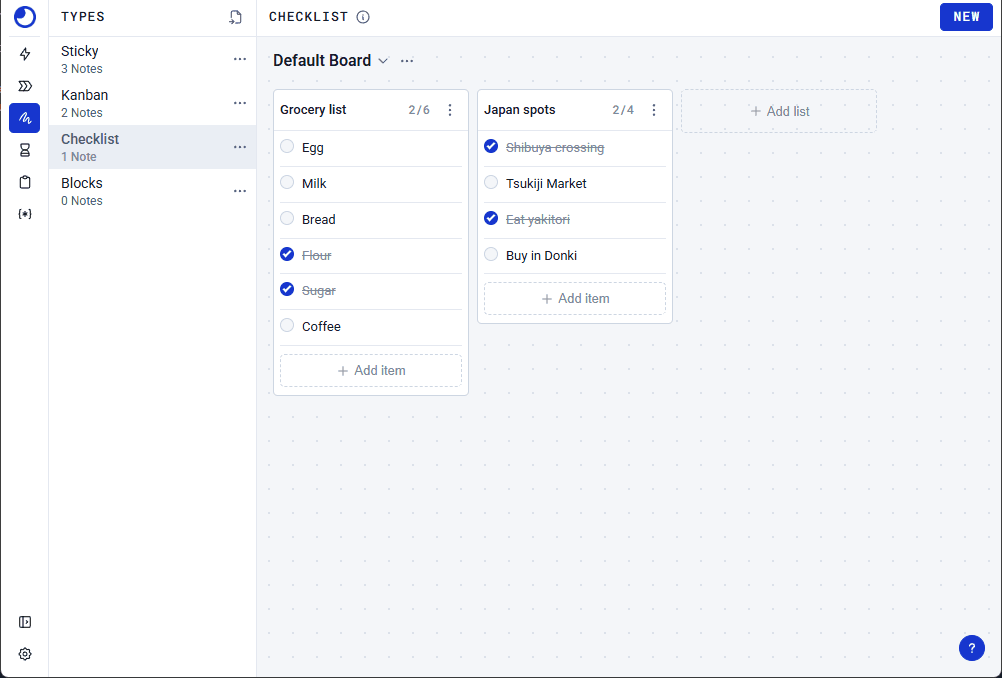
Checklist
Freely list and cross off items quickly. Much like Kanban, Checklists are primarily grouped by boards. Each board can contain multiple lists.
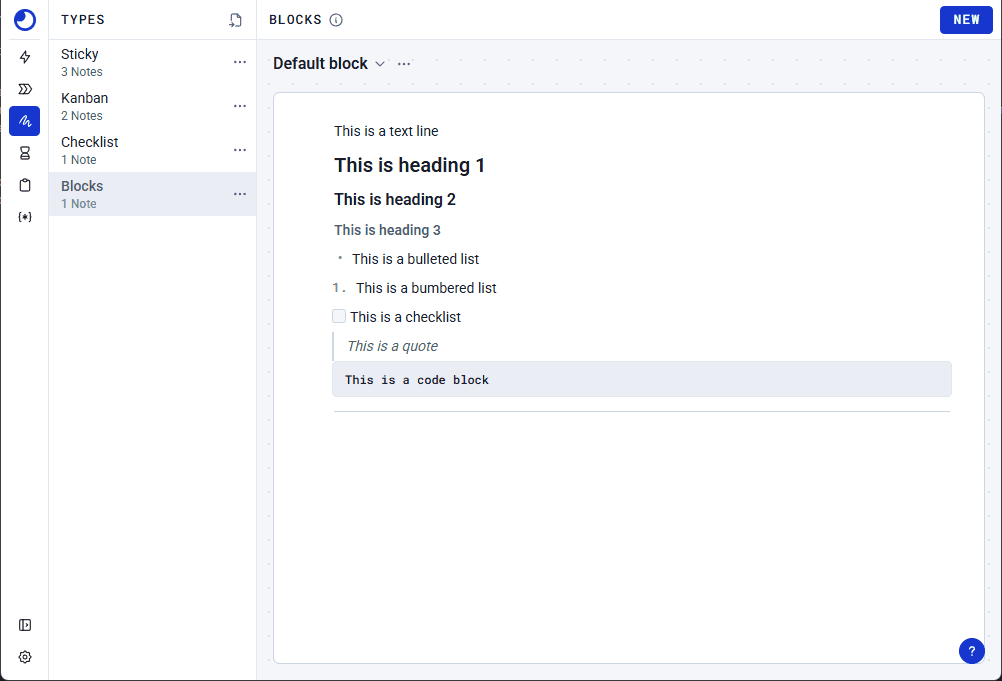
Blocks
Format text per line or per block. A more customizable option to write your ideas.
Your question was not covered? Contact us