
Macros
Chain actions when plain text is not enough. A macro can wait, press keys, paste text, start timers, or run on a schedule after only one trigger.
Create a Macro with these easy steps:
- Click New on the top-right.
- Fill in the details.
- Set the actions you need.
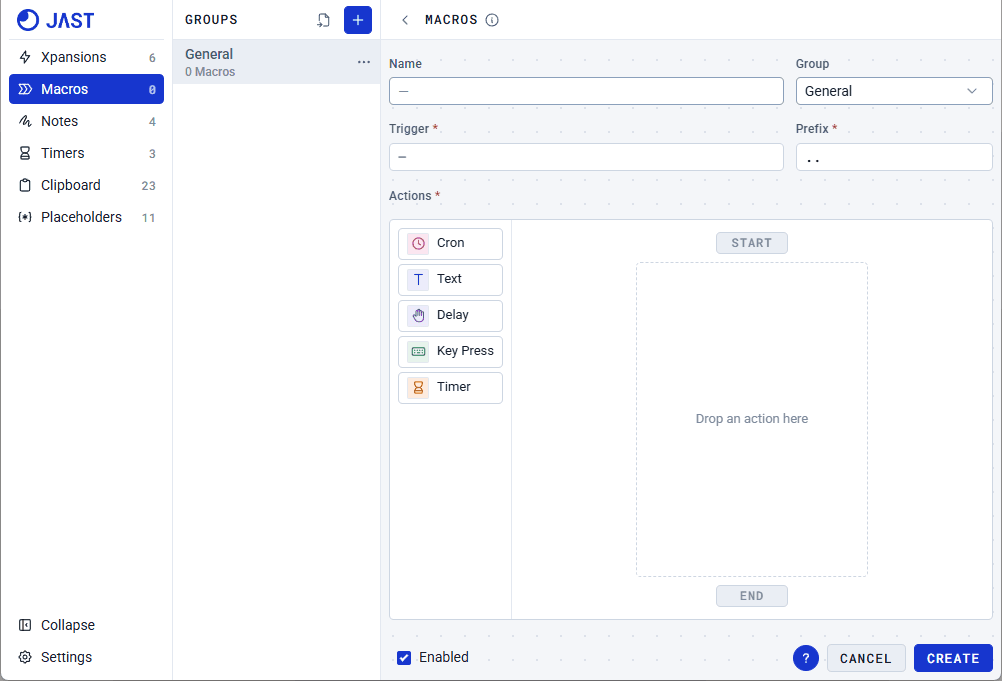
Actions
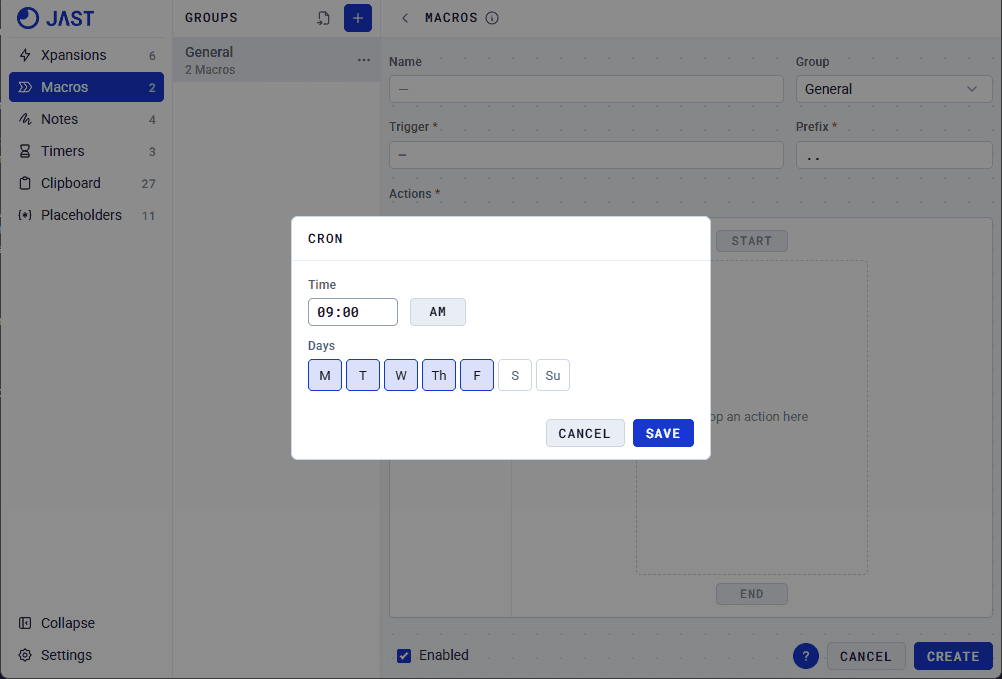
Cron
Trigger macros either by using the keyword or Crons. Cron allows you to set a schedule when you want the Macro to start. Cron tiles can only be added above the start node.
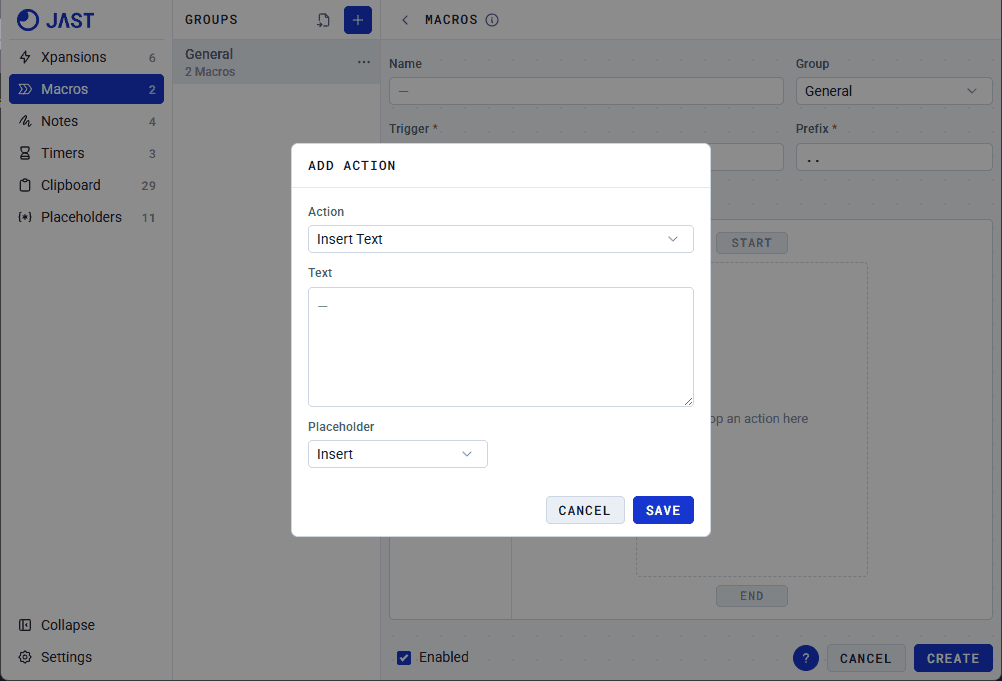
Text
The content here will be pasted to the active text field when the macro is triggered. Set this up like you're setting up an Xpansion. Add Placeholders if needed and the action will not proceed until this Placeholder is filled out.
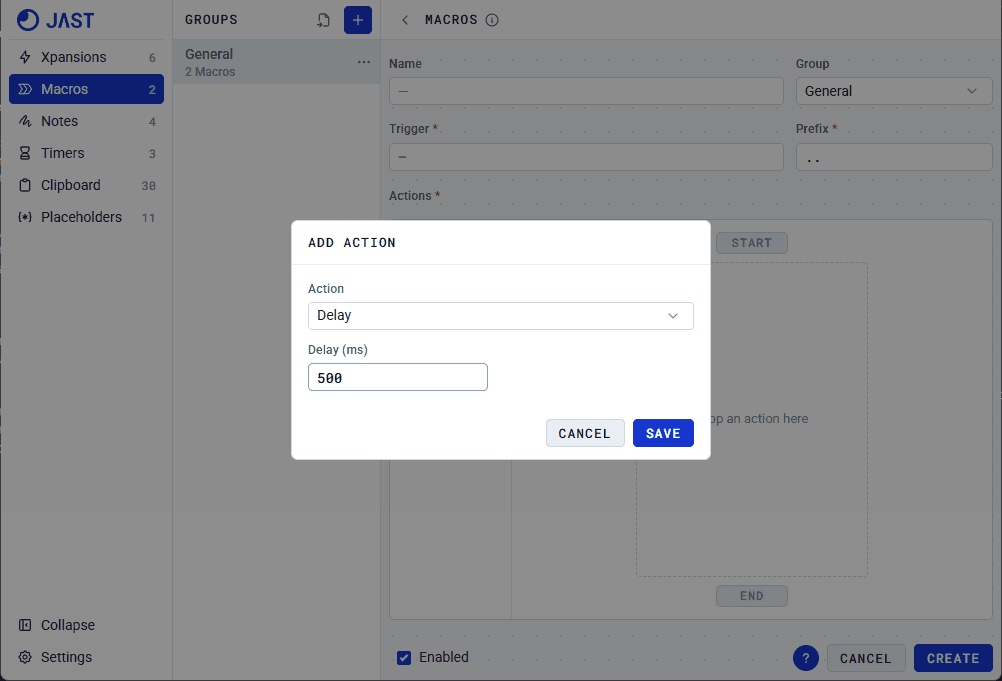
Delay
Add a short delay before moving on to the next action. This is measured in milliseconds.
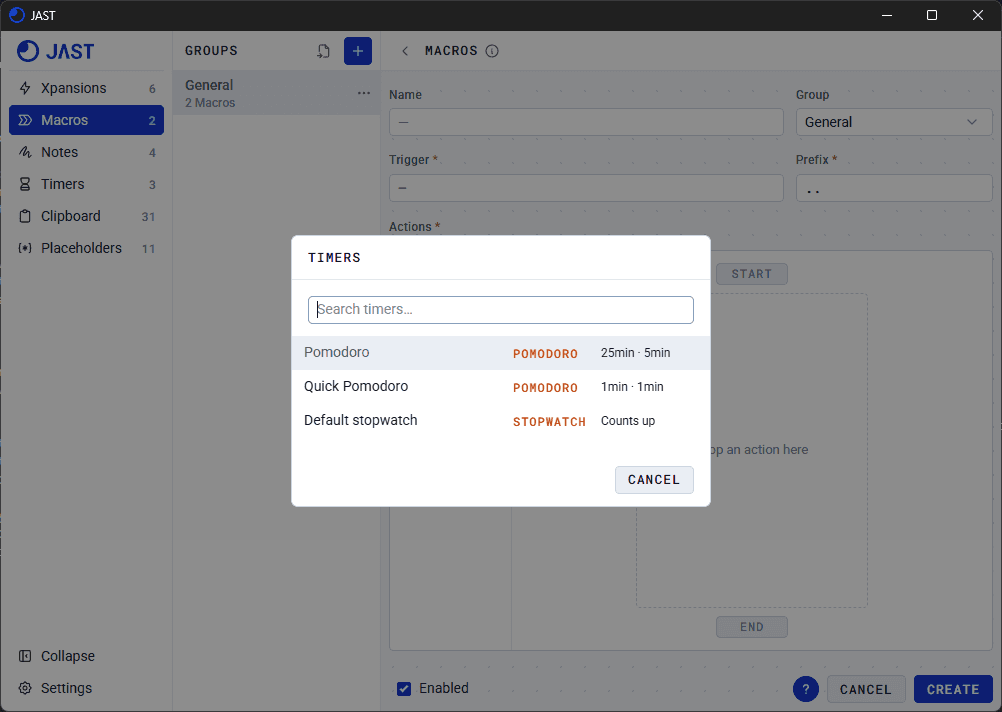
Timer
Start any timers that you have saved. Stopwatch shows as a popup. Pomodoro and Countdown does not.
Your question was not covered? Contact us